How to add them
squint if you gotta, i dont really care.
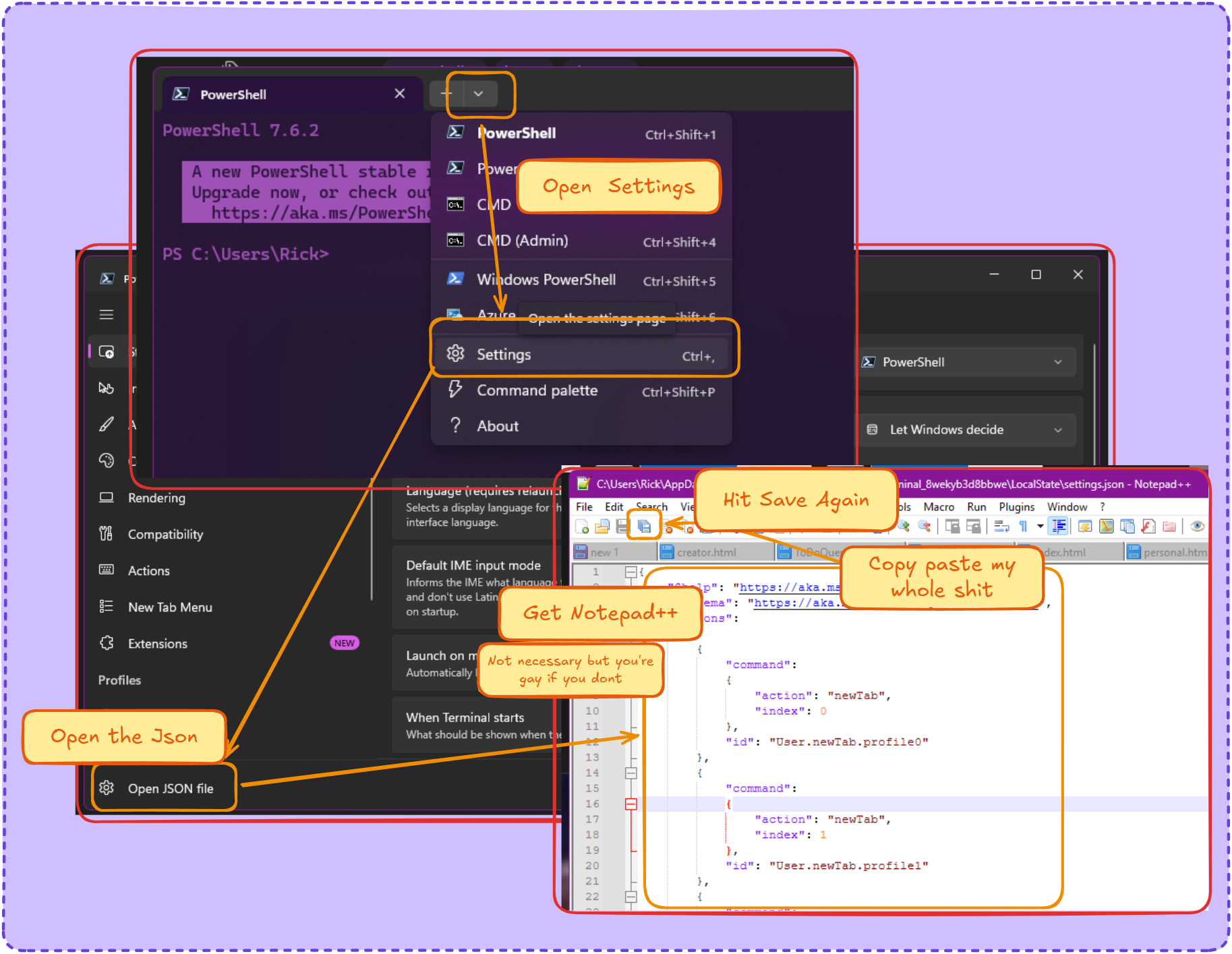
The ones I don’t hate
HaX0R_GR33N (dumb name)
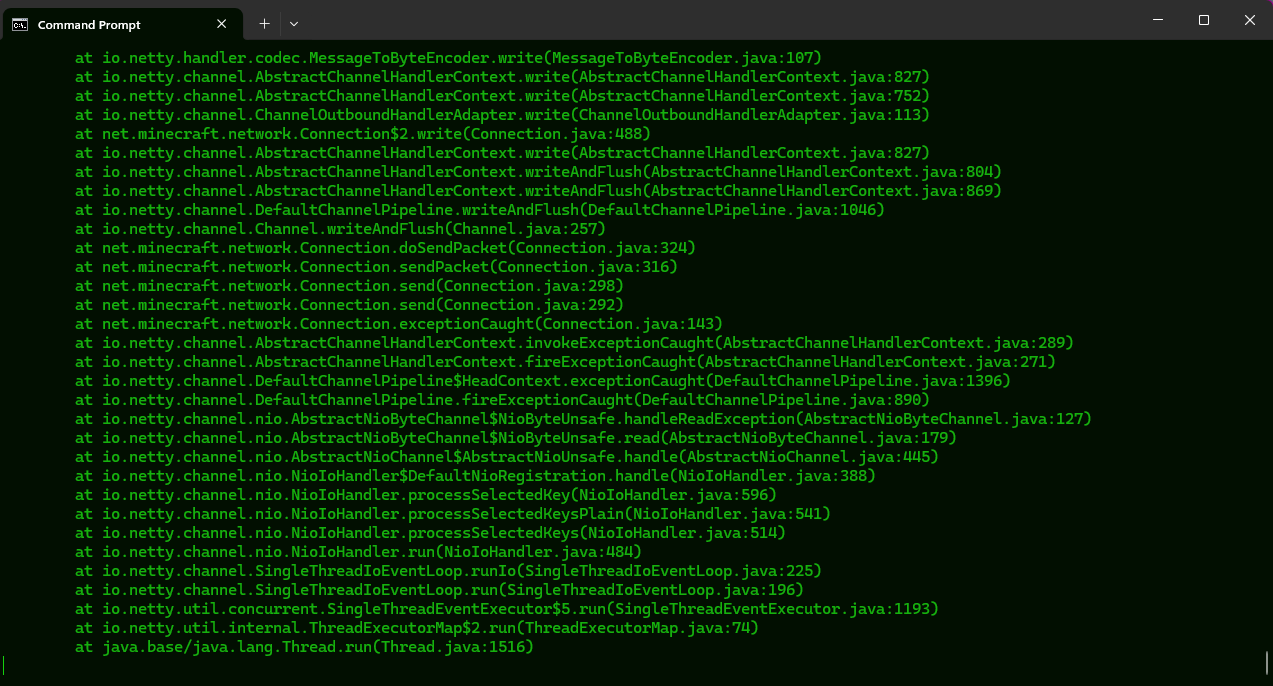
Duotone Dark
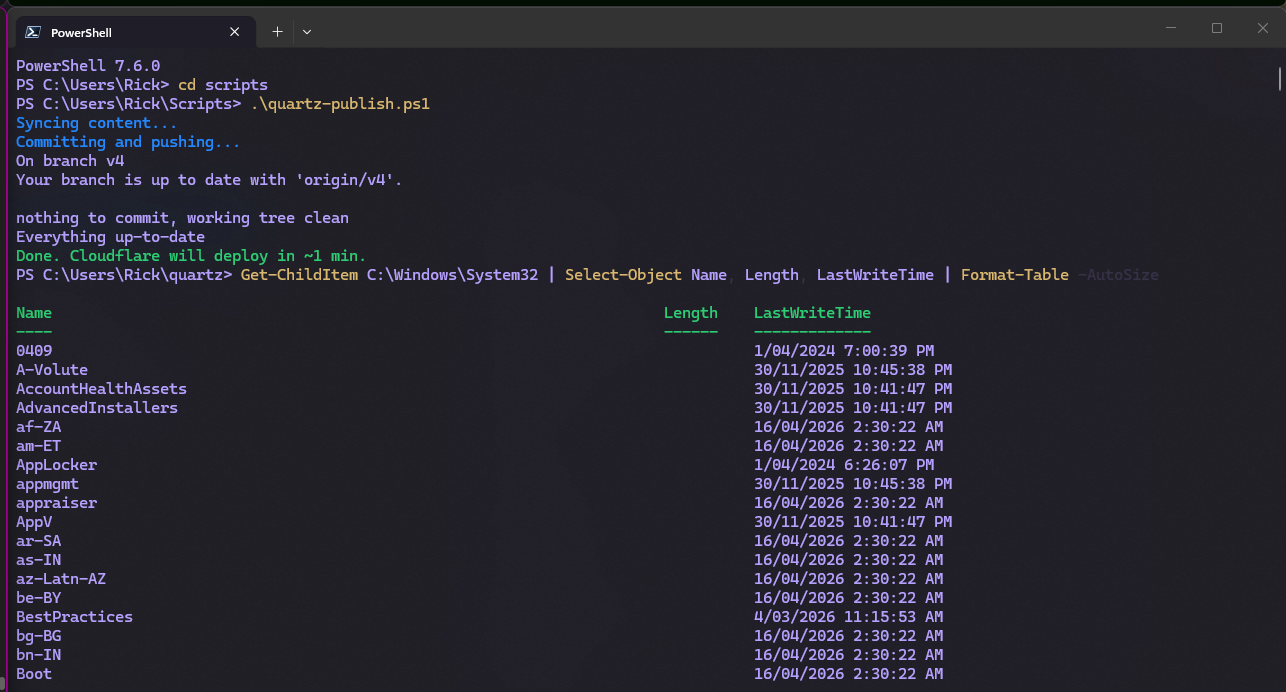
CyberPunk 2077
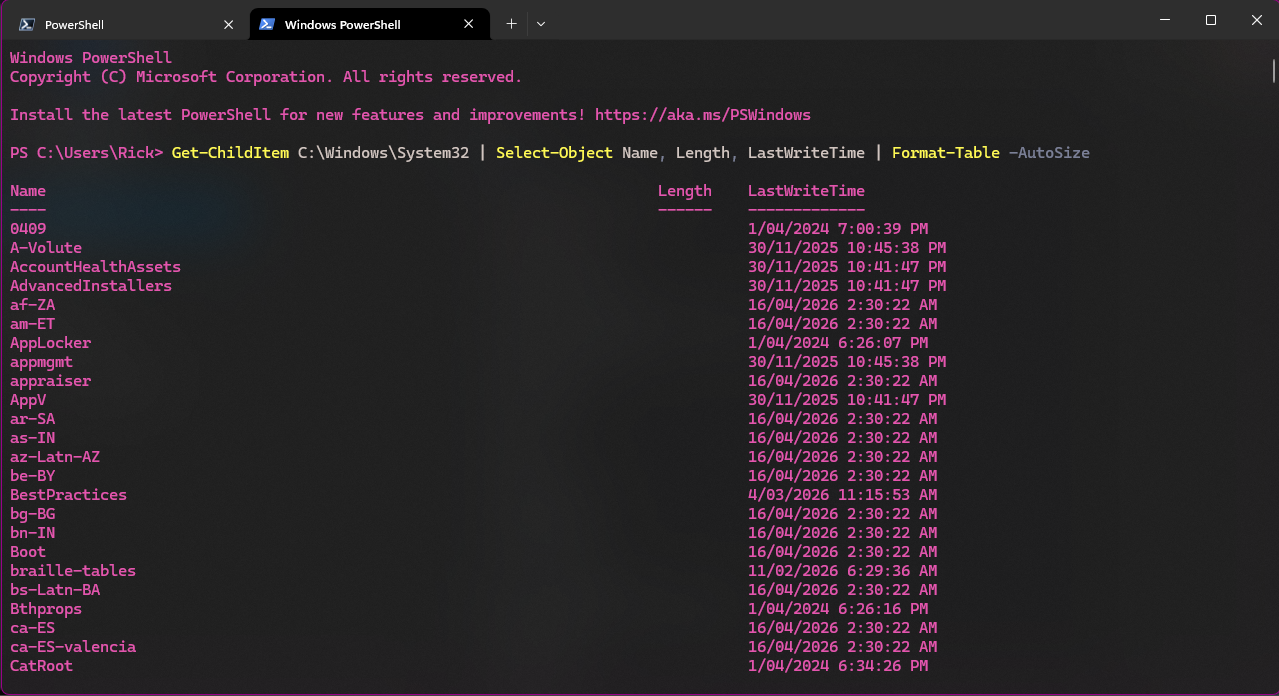
Blueberry Pie
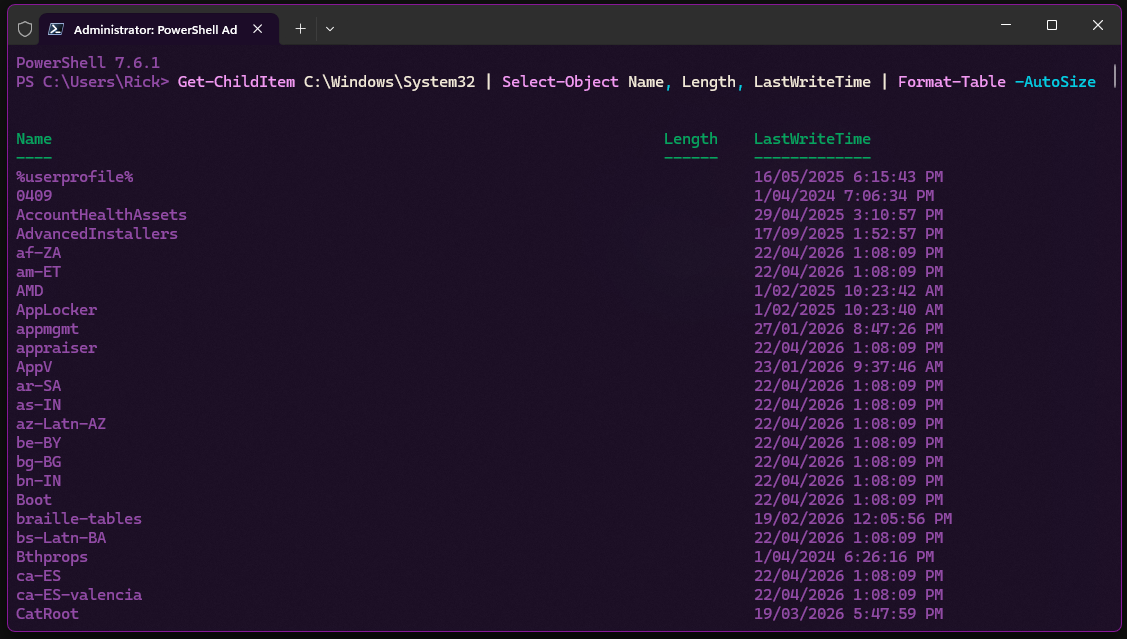
catppuccin-mocha
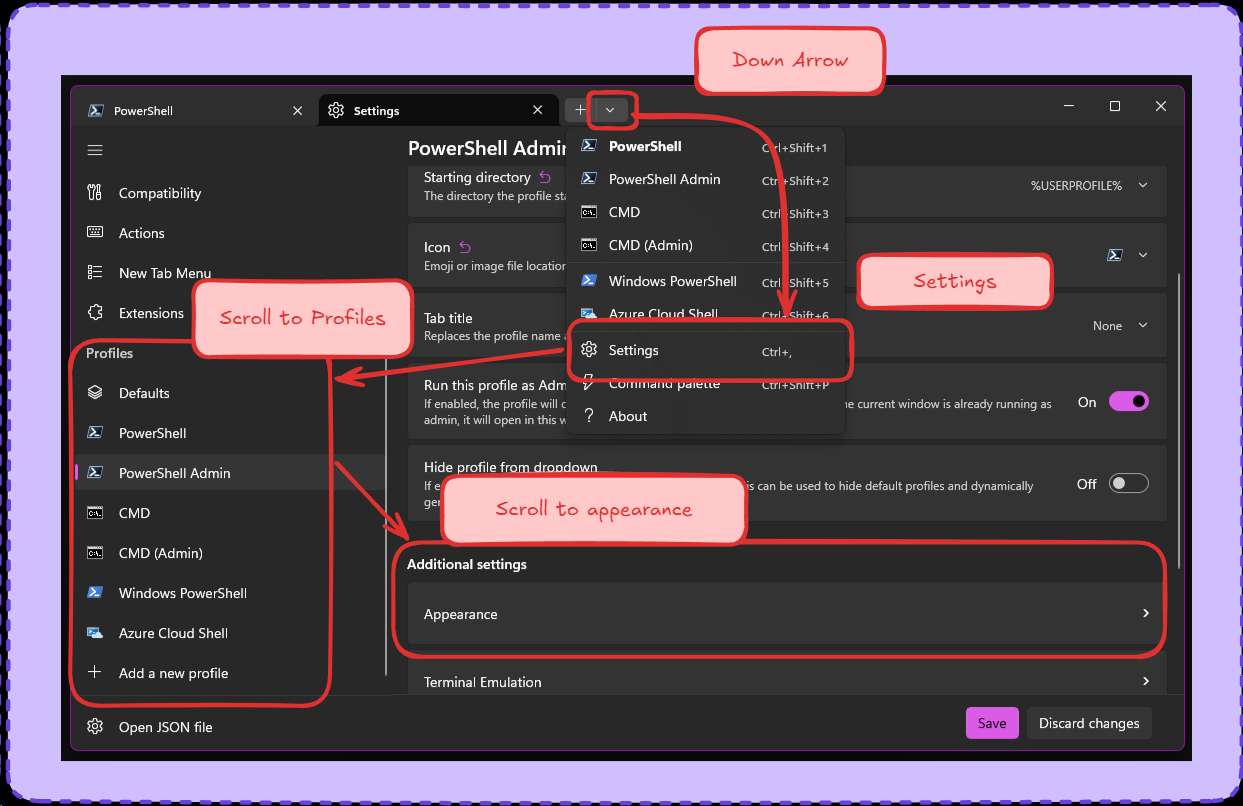
How to change individual profile themes
Clankers aren’t all bad
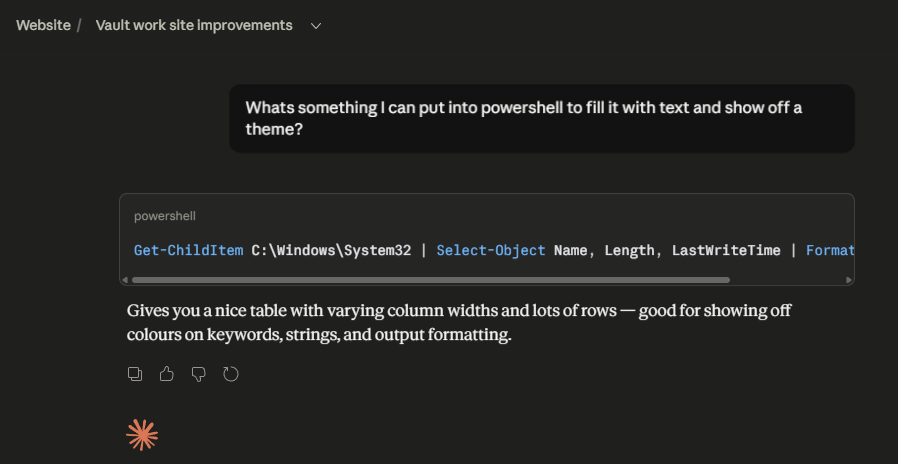
Get-ChildItem C:\Windows\System32 | Select-Object Name, Length, LastWriteTime | Format-Table -AutoSizeJust take The Whole JSON
Random theme on every launch
Windows Terminal won’t let a tab switch its own colour scheme after it’s open, but you can repaint the current session live using OSC escape codes read straight out of the schemes array in settings.json. Drop this in $PROFILE (notepad $PROFILE) and every new shell rolls a different one of your saved schemes — nothing gets written back to settings.json, so it’s non-destructive and just re-rolls next launch.
# --- Random Windows Terminal color scheme on launch ---
function Set-RandomTerminalTheme {
    $settingsPaths = @(
        "$env:LOCALAPPDATA\Packages\Microsoft.WindowsTerminal_8wekyb3d8bbwe\LocalState\settings.json"
        "$env:LOCALAPPDATA\Microsoft\Windows Terminal\settings.json"
    )
    $settingsFile = $settingsPaths | Where-Object { Test-Path $_ } | Select-Object -First 1
    if (-not $settingsFile) { return }

    $settings = Get-Content $settingsFile -Raw | ConvertFrom-Json
    $schemes  = $settings.schemes
    if (-not $schemes) { return }

    $theme = $schemes | Get-Random
    $esc   = [char]27

    $order = 'black','red','green','yellow','blue','purple','cyan','white',
             'brightBlack','brightRed','brightGreen','brightYellow',
             'brightBlue','brightPurple','brightCyan','brightWhite'

    for ($i = 0; $i -lt $order.Count; $i++) {
        $hex = $theme.($order[$i])
        if ($hex) { Write-Host -NoNewline "$esc]4;$i;$hex$esc\" }
    }
    if ($theme.background)  { Write-Host -NoNewline "$esc]11;$($theme.background)$esc\" }
    if ($theme.foreground)  { Write-Host -NoNewline "$esc]10;$($theme.foreground)$esc\" }
    if ($theme.cursorColor) { Write-Host -NoNewline "$esc]12;$($theme.cursorColor)$esc\" }

    Write-Host "Theme: $($theme.name)" -ForegroundColor DarkGray
}

Set-RandomTerminalTheme- Checks both the Store-packaged and unpackaged
settings.jsonlocations, whichever exists. - Picks from every scheme in the
schemesarray by default. To limit it to specific ones (e.g. just the favourites above), filter first:$schemes | Where-Object { $_.name -in 'Dracula','Nord','Gruvbox' } | Get-Random.